
Open files. Understand code.
A lightweight editor for code, file previews and quick edits, including when you build with ChatGPT or Claude.
macOS 12+ · ZIP · Beta without Apple notarization
Open the Mac app for the first time
Unzip the download and drag Dashcode into Applications. If macOS blocks the first launch, go to System Settings → Privacy & Security and choose Open Anyway for Dashcode. Apple’s instructions
Debian 12 · .deb
Quick Look previews, DMG details and HEIC export are macOS features.
The Windows version is pending.
One tool for many formats
Preview files
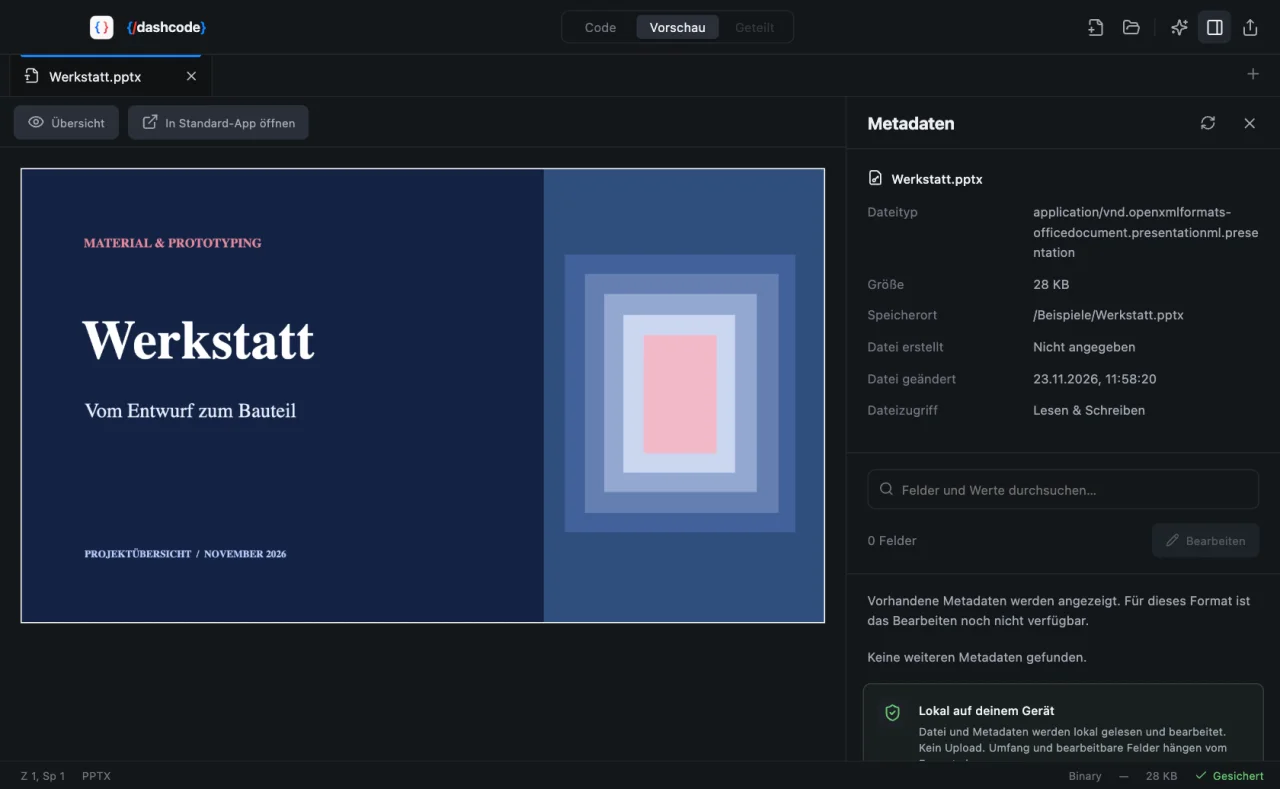
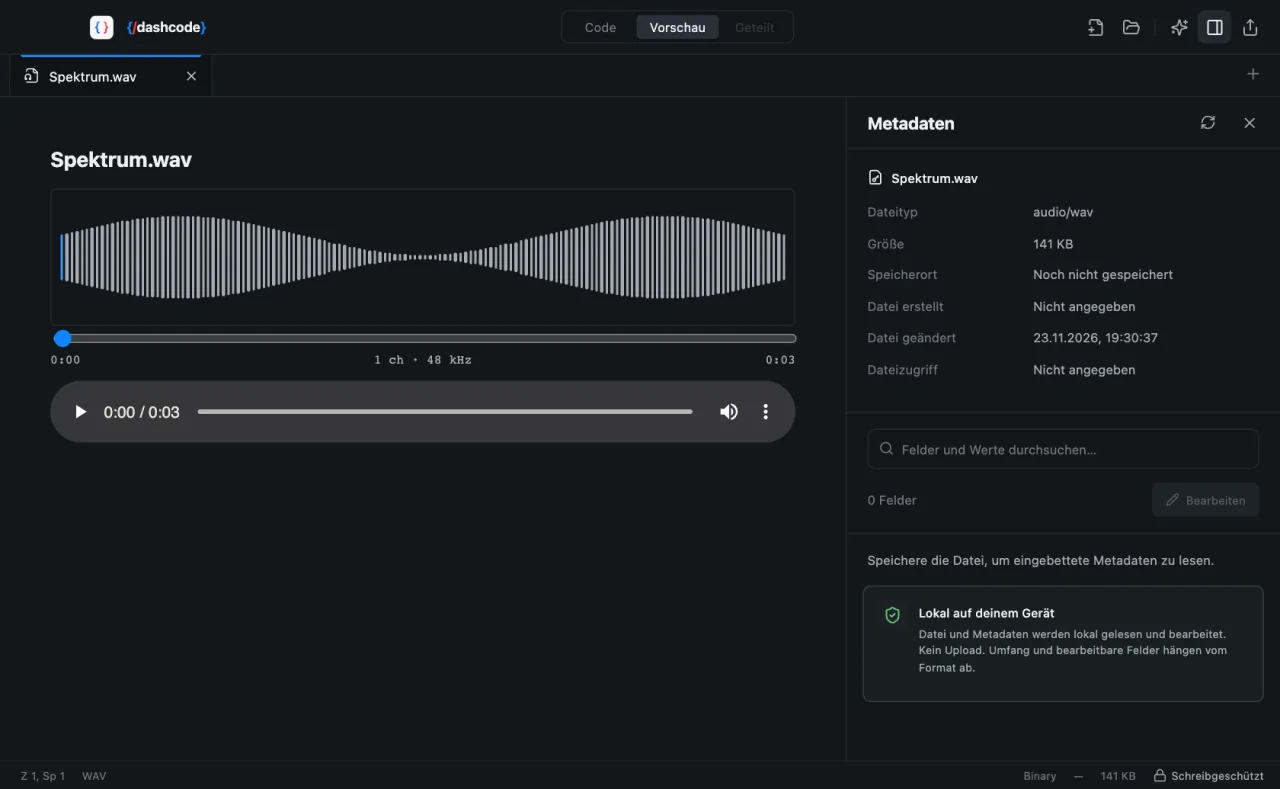
Preview PDF, Word, PowerPoint and Keynote files. Rotate 3D models or send them to an installed slicer, view audio waveforms and export HEIC as JPEG.
Understand structured data
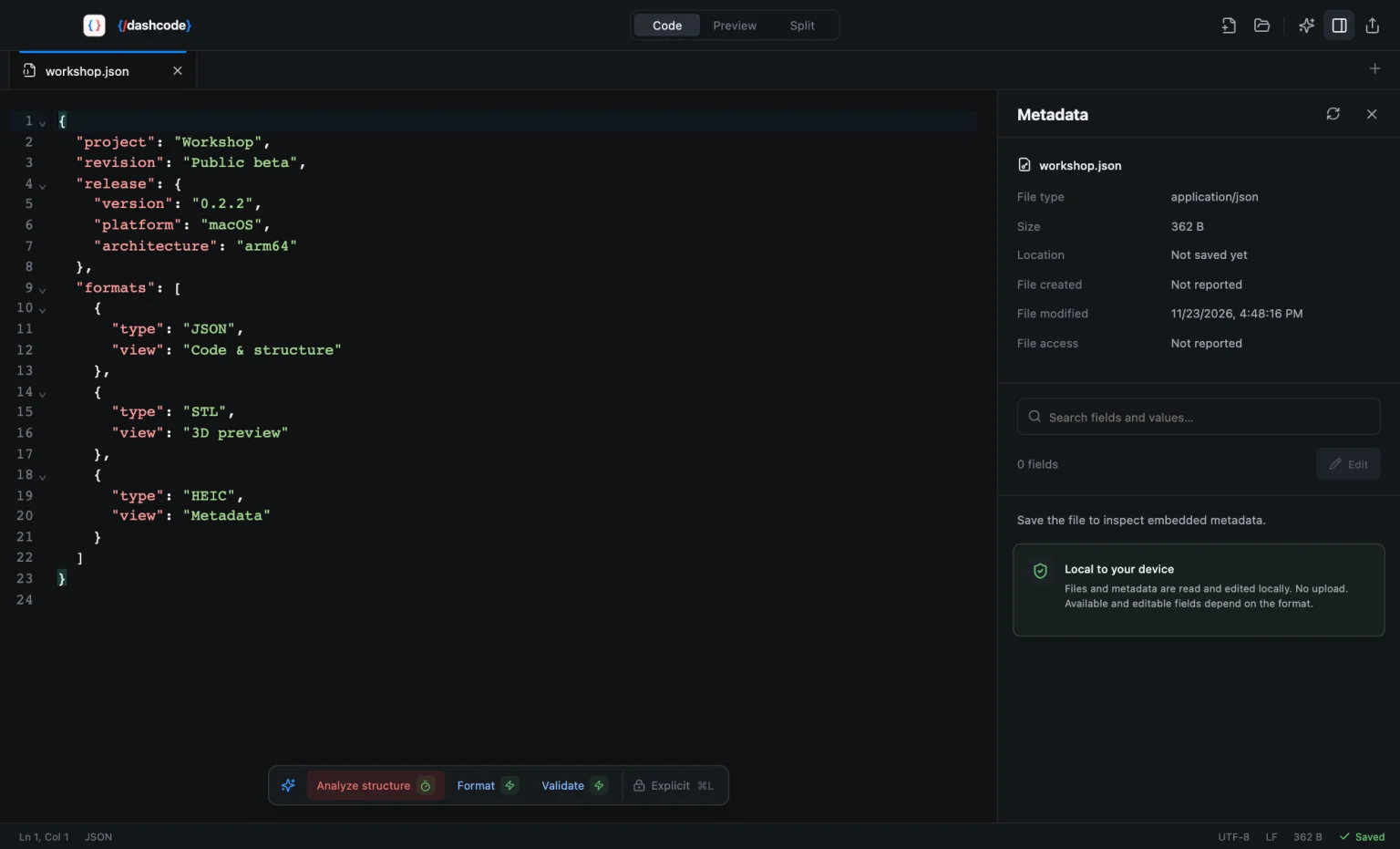
Read nested JSON, JSON inside XML and CSV as a tree or table. The Code tab shows the original text. Binary files show package contents or a hex view, depending on the format.
Organize files
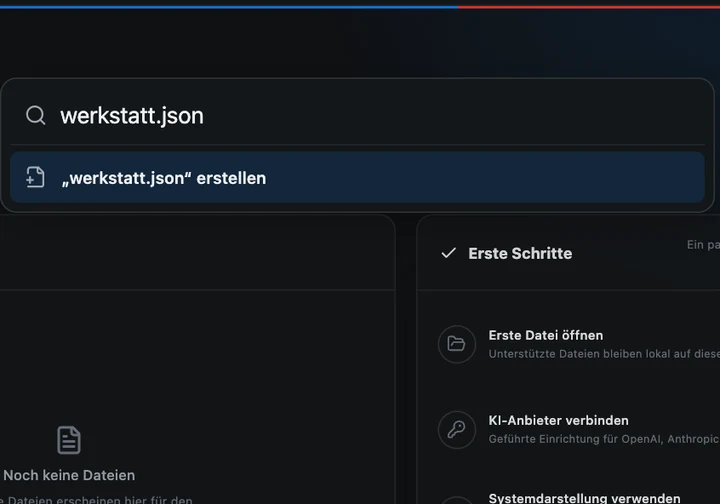
Use Ctrl+K (⌘K on Mac) to create files, search your history or open a path. Browse folders in tabs, analyze their sizes and inspect metadata and IPA or APK package details.
Benefits
Starts in around 700 ms
For a quick look at a file or a small edit. Measured to the first visible window on a Mac with Apple M2 Max.
Review AI-generated code
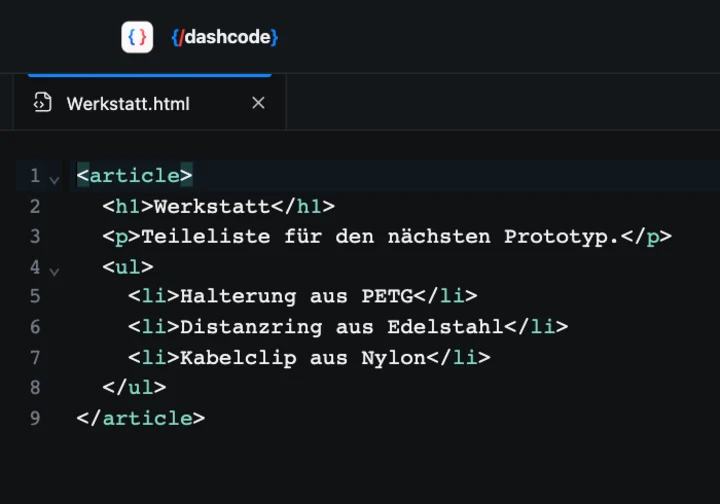
Review code from ChatGPT or Claude in the editor. Switch between source and preview for HTML and Markdown.
Read deeply nested data
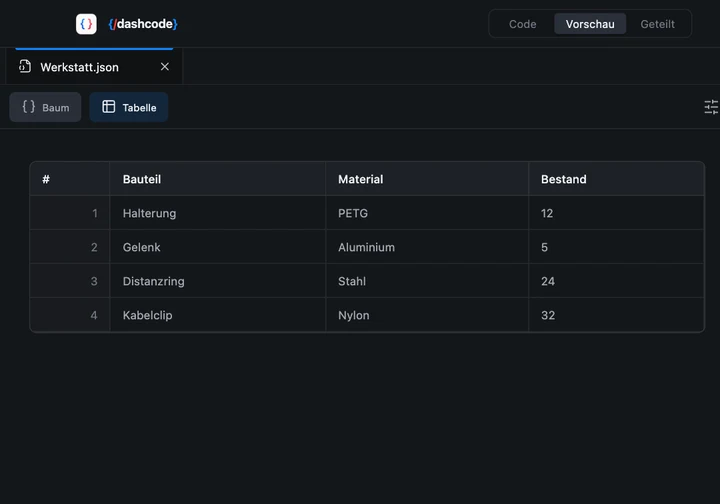
Open JSON nested inside strings as a tree or table, even across multiple layers. The Code tab keeps the original text intact.
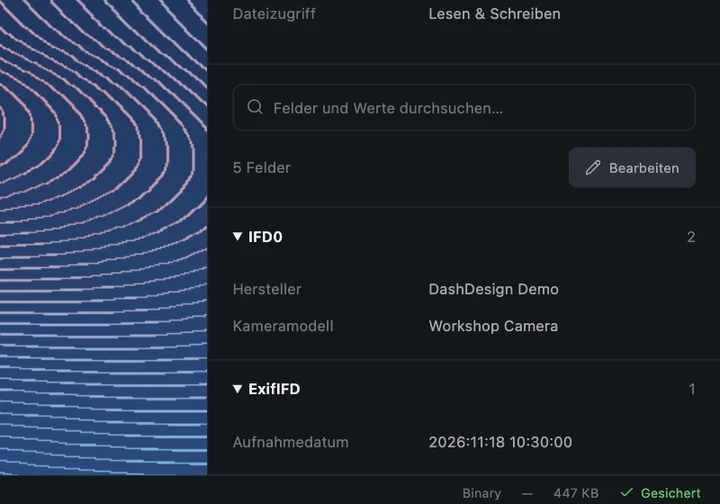
Metadata at a glance
The inspector opens by default. See file properties and available camera details, capture times or GPS coordinates.
Supported file formats
Text & code
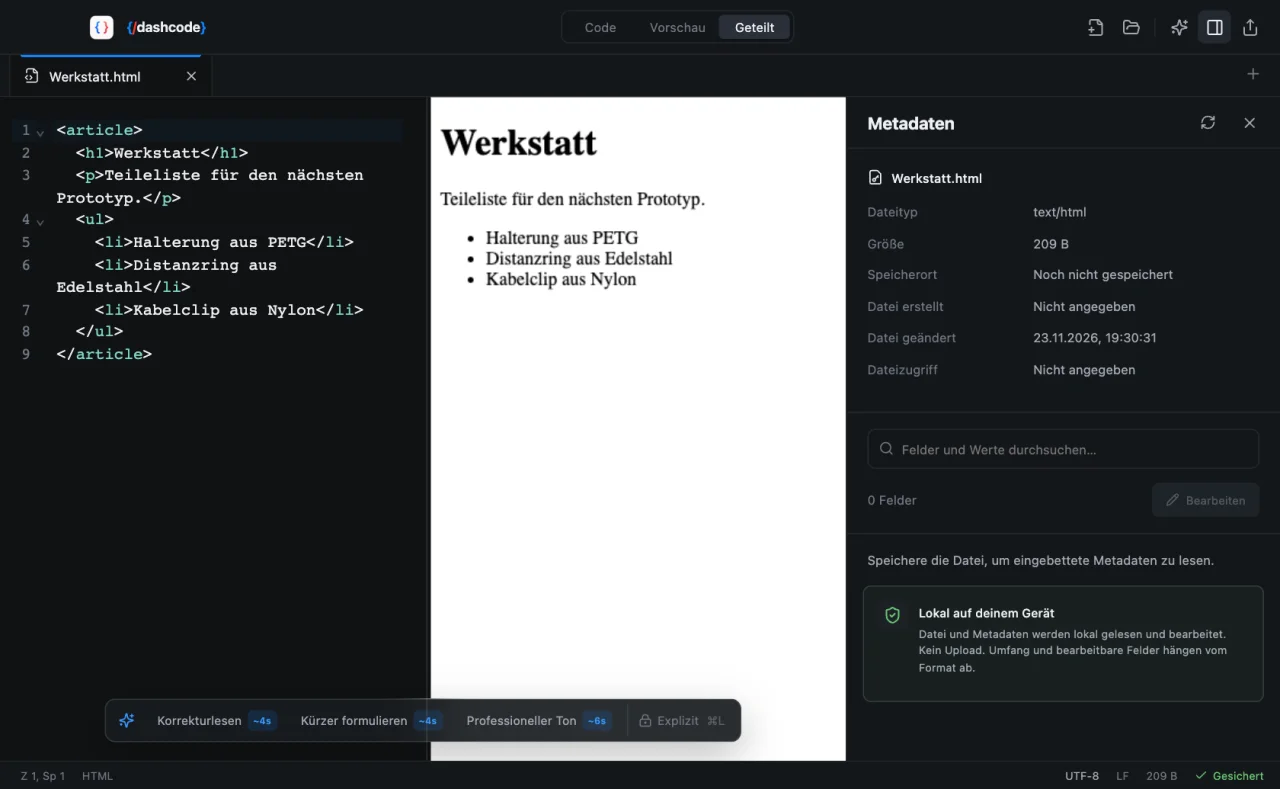
Edit UTF-8 files directly. Preview Markdown and HTML. JavaScript, TypeScript and markup have syntax highlighting. Diffs show which lines changed.
- Plain text and scripts
.txt.log.css.py.rs.sql.sh- JavaScript and TypeScript
.js.jsx.ts.tsx- Markup and changes
.md.markdown.html.htm.diff.patch
Data & spreadsheets
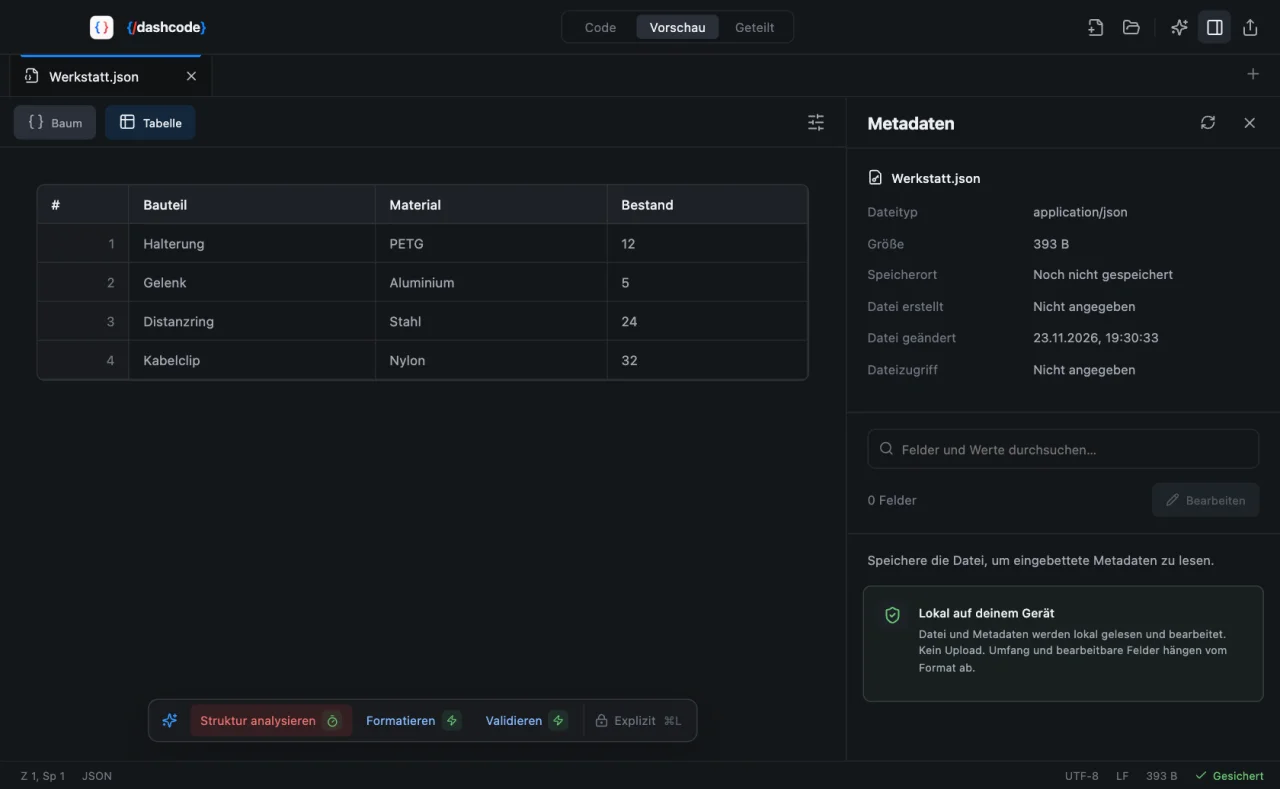
Read embedded JSON as a tree or table. CSV separators are detected and can be changed. Excel and ODS have a read-only preview, and Numbers uses Quick Look.
- Structured data
.json.jsonc.jsonl.ndjson.yaml.yml.xml- Text tables
.csv.tsv- Workbooks
.xls.xlsx.xlsm.xlsb.ods.numbers
Images & vector graphics
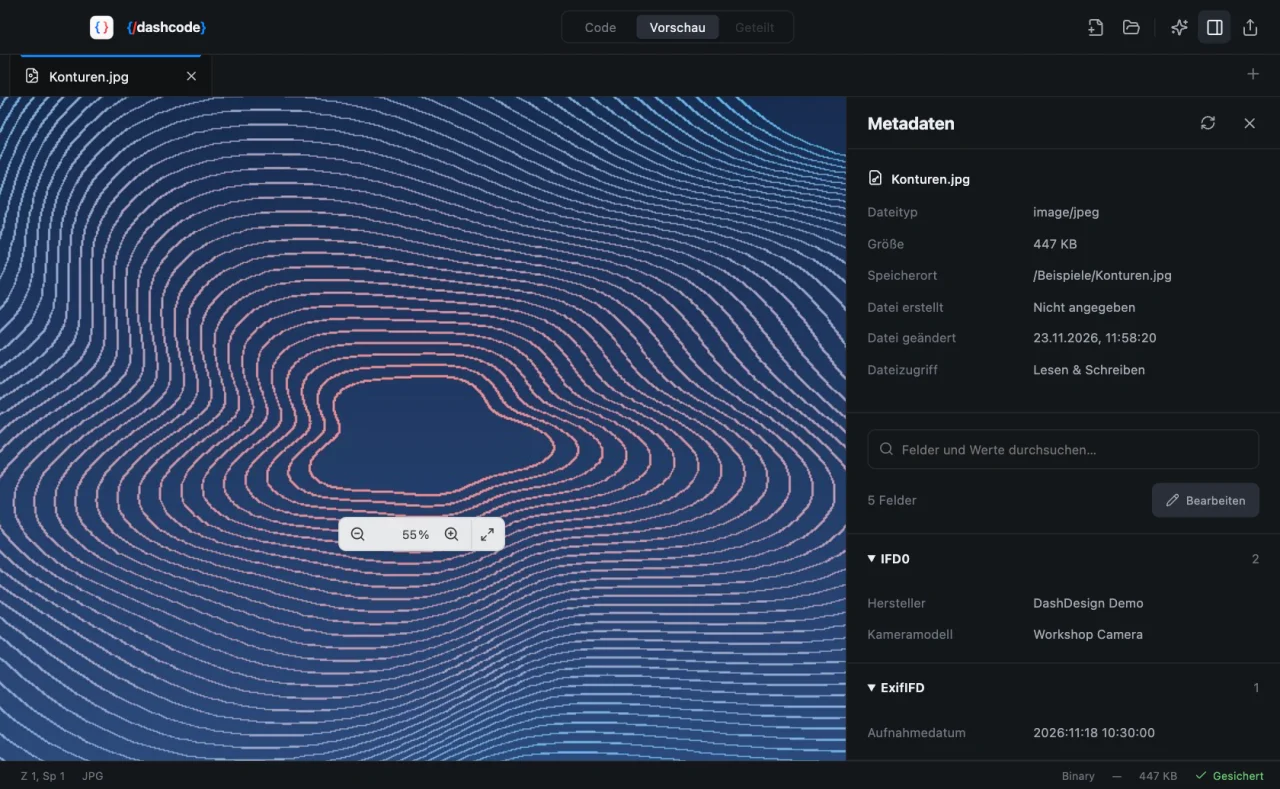
Zoom into images, inspect capture details and available GPS coordinates or save HEIC as JPEG. View an SVG alongside its source.
- Raster images
.jpg.jpeg.png.webp.gif.avif- Camera and system formats
.heic.heif.tif.tiff.bmp.ico- Vector graphics
.svg
Documents & presentations
Read PDFs in the tab. For word processing documents and slides, dashcode; displays the Quick Look preview provided by macOS.
- PDF documents
.pdf- Word processing documents
.doc.docx.rtf.odt.pages- Presentations
.key.ppt.pptx.odp
3D files & toolpaths
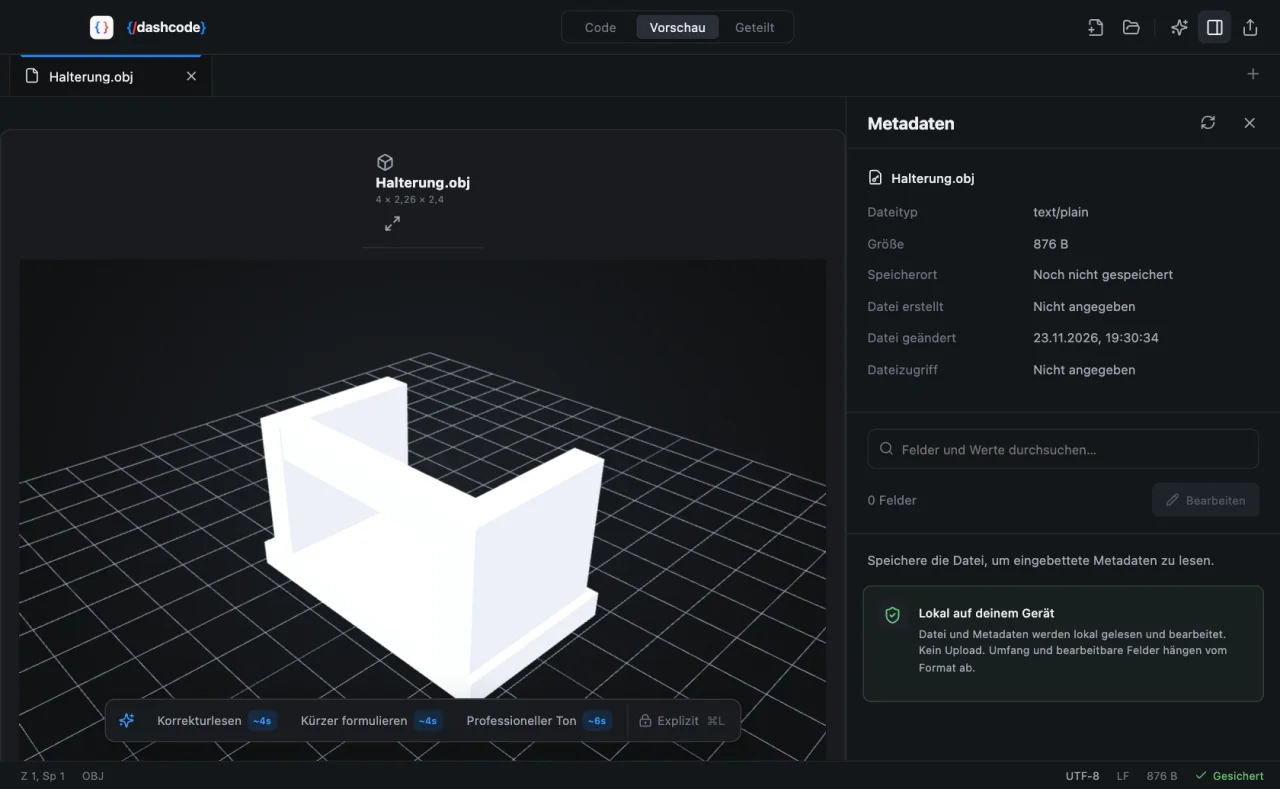
Rotate and zoom in on models, inspect toolpaths and send a file to an installed slicer for printing.
- 3D models
.stl.obj.3mf- Toolpaths
.gcode.gco
Audio & video
Play audio and inspect its waveform. Video plays in the tab when macOS supports the file’s codec.
- Audio
.mp3.wav.m4a.aac.flac.ogg.opus.aiff.aif- Video
.mp4.mov.m4v.webm
App packages & archives
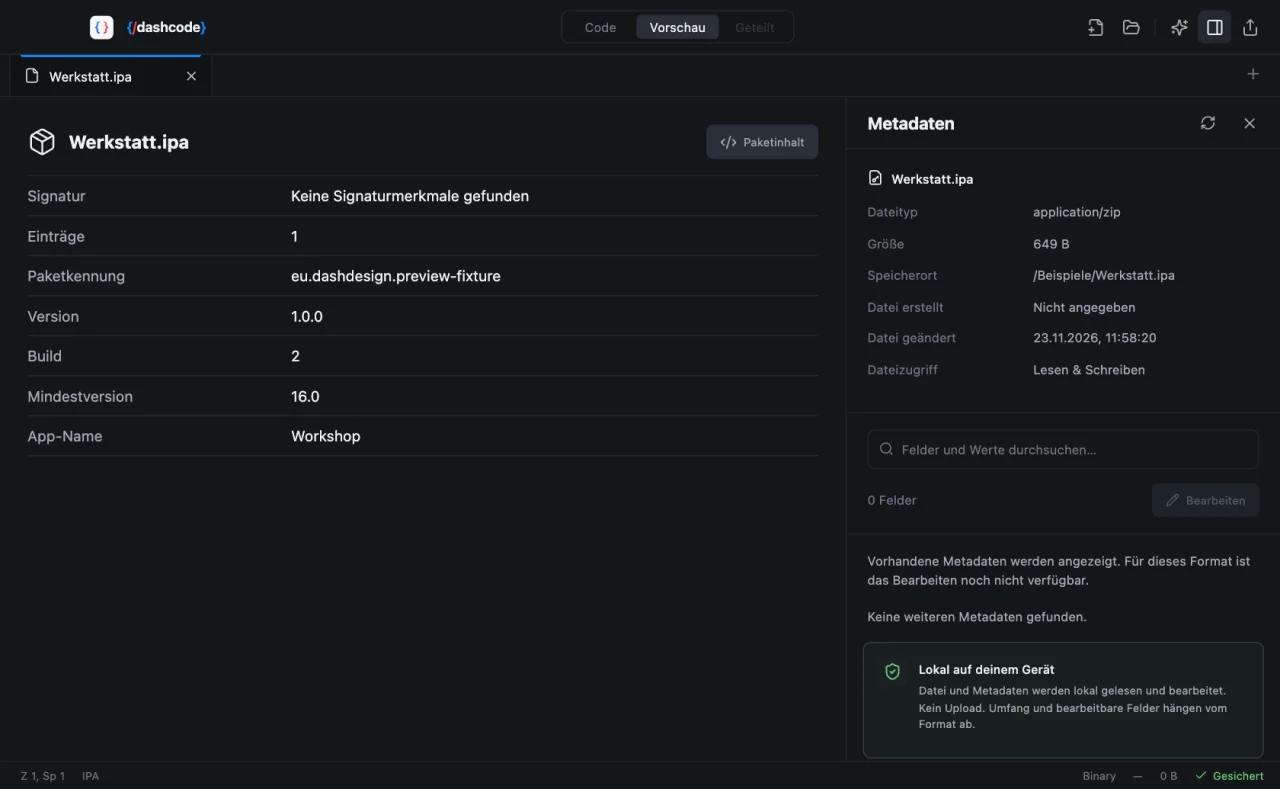
Inspect package contents and app details. Android Build Tools can verify APK signatures. Open folders as tabs to search and measure their contents. The hex view also supports other binary files.
- iOS and Android packages
.ipa.apk- Archives and e-book containers
.jar.epub- macOS package contents in the Code tab
.app.bundle.framework.xcarchive
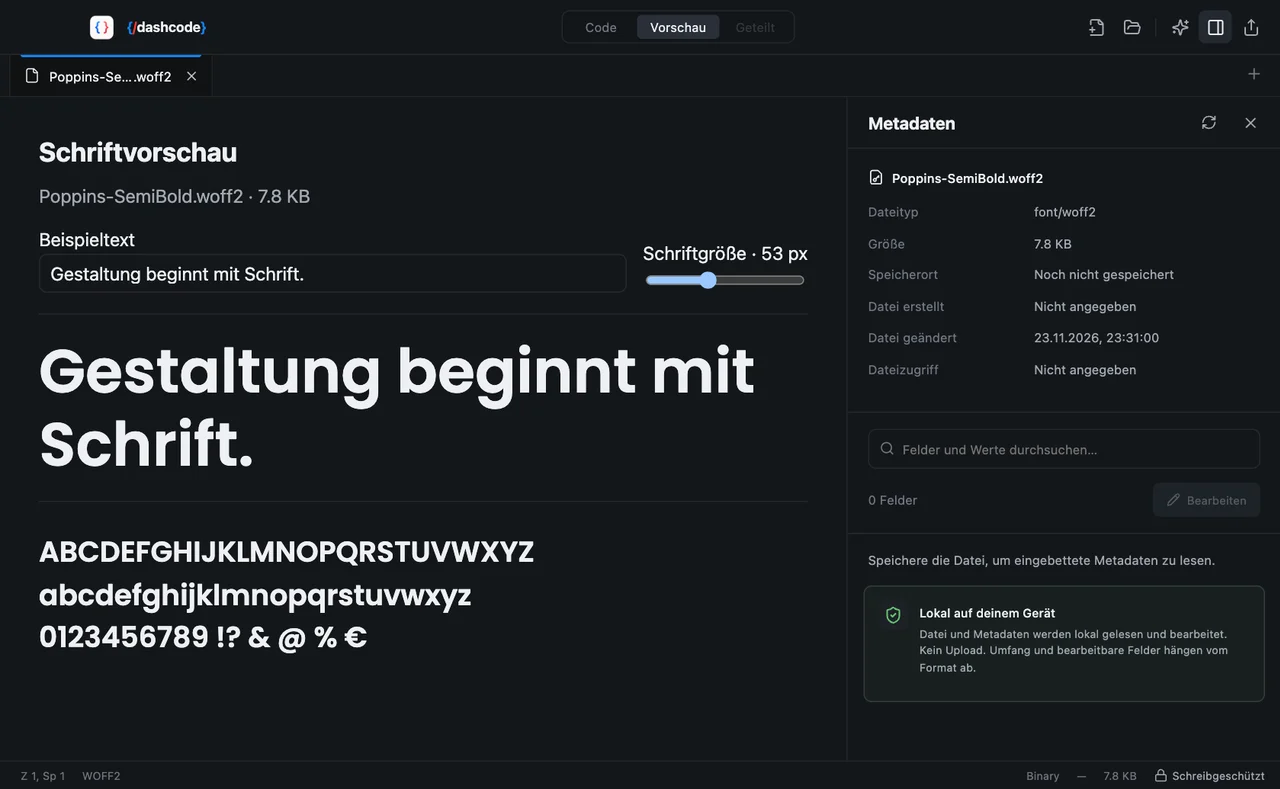
Font files
Try a font with your own sample text, change the size and compare its glyphs. The preview loads the font for display.
- TrueType, OpenType and webfonts
.ttf.otf.woff.woff2
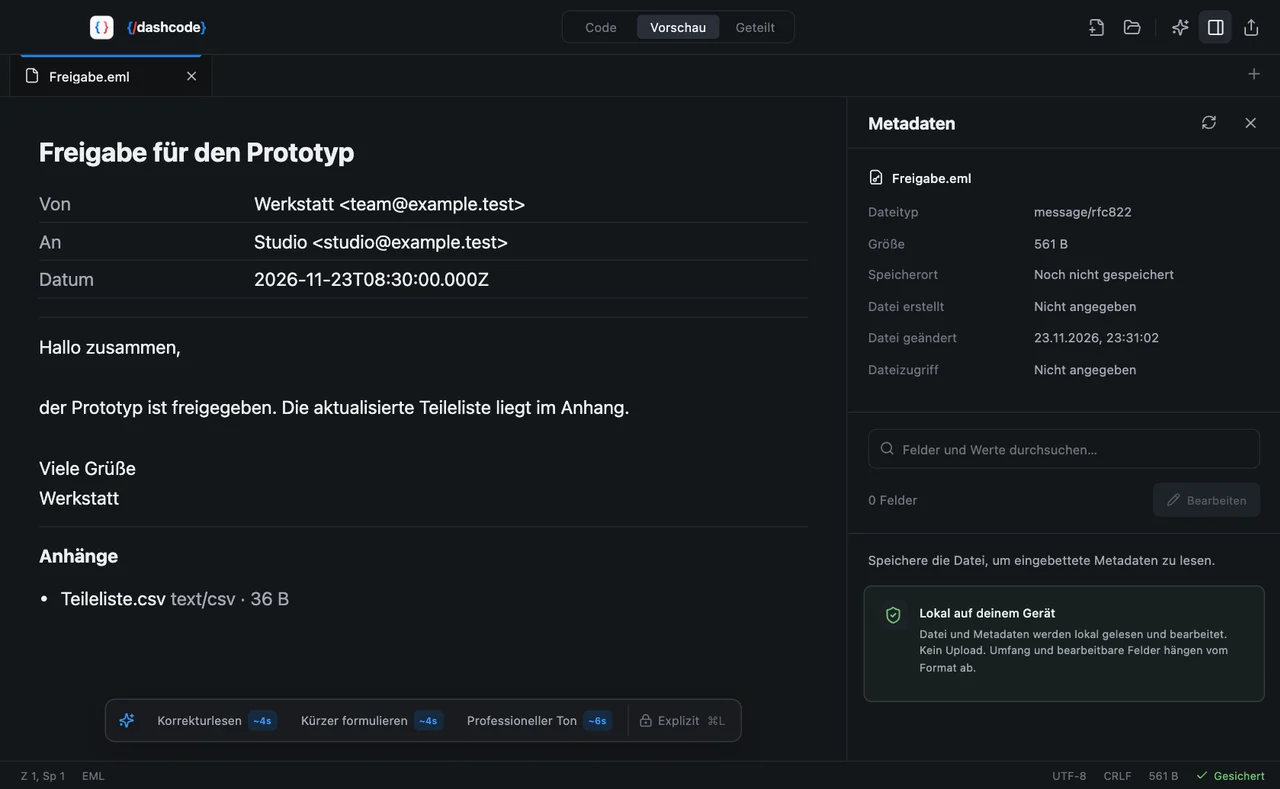
Email files
Read the sender, recipients, subject and message text, and see a list of attachments. The preview shows readable text locally.
- Individual emails
.eml
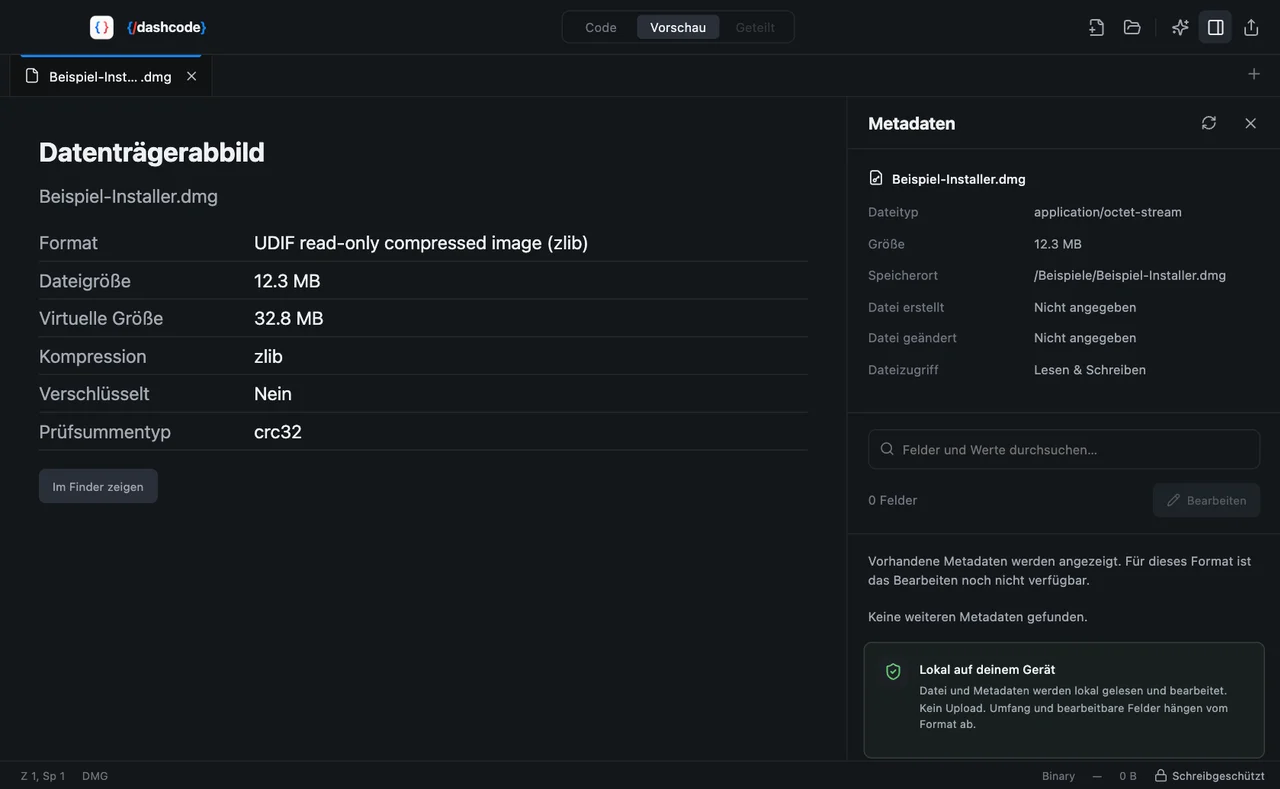
Disk images
Inspect a DMG’s format, file size, virtual size, compression, encryption and available partition details. Reveal the file in Finder from the preview.
- macOS disk images
.dmg
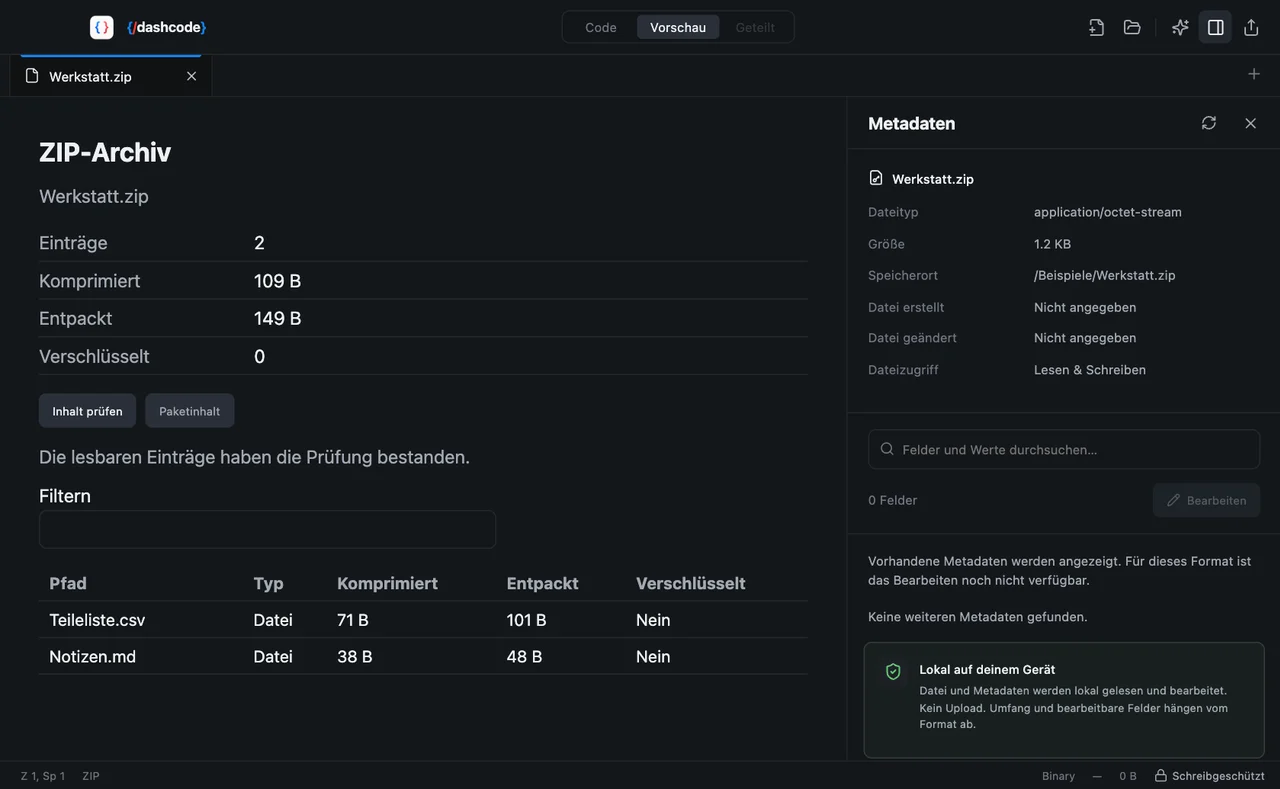
ZIP archives
Filter entries, compare sizes and identify encrypted files. Start a read check with time and data limits. The inspector flags unusually high compression and unusual paths.
- ZIP files
.zip
PlannedShow more file formatsHide additional file formats
Dedicated previews are planned for these formats. Depending on the file, the current beta can already display source text or hex data.
Camera RAW
See a preview image and capture details from raw camera files.
.dng.cr2.cr3.nef.arw.raf.orf.rw2
Design files & layers
See a composite preview and inspect layers where available.
.psd.psb.xcf.kra.ora.ai.eps
CAD & BIM
View technical drawings, parts and building models.
.step.stp.iges.igs.dxf.dwg.ifc
3D scenes & assets
Rotate scenes with materials and textures in the preview.
.glb.gltf.usdz.fbx.blend.ply
Databases
Browse tables, columns and indexes in SQLite and DuckDB files.
.sqlite.sqlite3.db.duckdb
Analytics data
Inspect schemas, column types and a sample of large datasets.
.parquet.arrow.feather.avro
Archives & compression
List archive contents and view individual compressed files.
.7z.rar.tar.tar.gz.tgz.tar.xz.tar.zst.gz.bz2.xz.zst
Font collections
Select and preview the individual fonts in a TrueType collection.
.ttc
Maps & geospatial data
View GPS tracks and geospatial data on a map.
.gpx.kml.kmz.geojson.shp.gpkg
Email & mailboxes
Open messages with their headers and a list of attachments.
.msg.mbox
E-books & comics
Read unprotected e-books and comic archives in a preview.
.mobi.azw3.fb2.cbz.cbr
Disk images
Inspect the format, size and available partition information.
.iso.vhd.vhdx.qcow2
Frequently asked questions
What is dashcode; for?
It is for anyone who wants to open a file and get straight to work, in the spirit of Notepad++. Edit code, preview documents or 3D models, and inspect metadata in the same window.
Why use dashcode; when coding with AI?
ChatGPT and Claude can suggest code. In dashcode; you can read, inspect and edit the actual files. That comes in handy for viewing nested API responses as a tree or making a quick correction to generated code.
Why does dashcode; start quickly?
The Mac app opens its start screen first. It loads the code editor and other views on demand, so you can immediately select or create a file.
What stays on my device?
File previews, metadata inspection and editing run locally. Connecting an AI provider is optional. When you use one, your context setting controls which content goes to that provider.
Is dashcode; open source?
We originally built dashcode; for our own work. We are still deciding whether to publish the code. If you want to contribute, get in touch and we will be happy to share the source code with you on request. Get in touch
What does public beta mean?
You can try dashcode; on Mac and Linux for free. We would like to hear where it helps in your everyday work and which file formats or workflows you still need. Get in touch